How to type Hindi using an English keyboard: 3 methods
Compare three ways to type Hindi with an English keyboard: phonetic suggestions, a direct Hindi layout, or conversion after a Romanized Hindi phrase is complete.
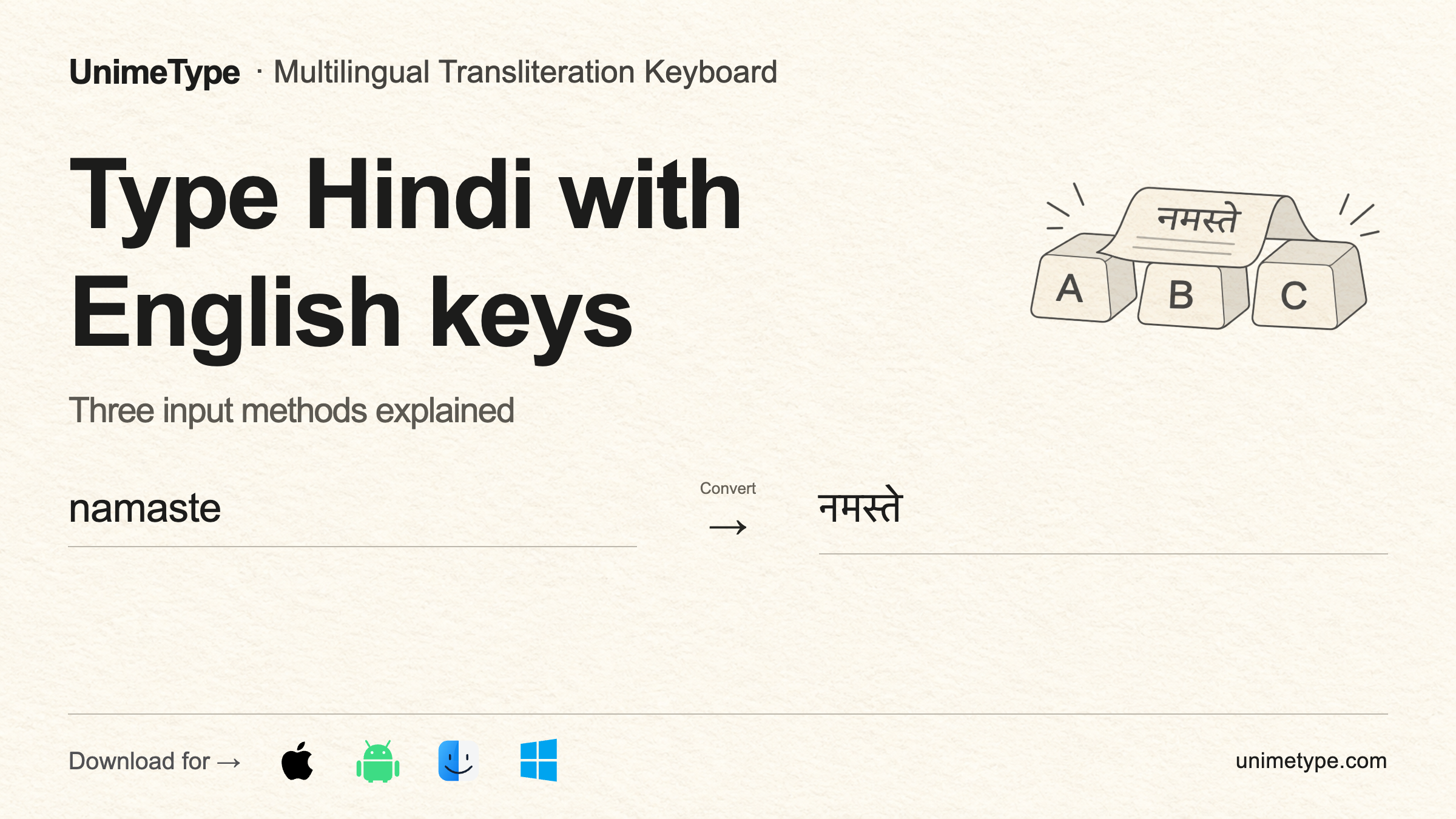
Use a Hindi phonetic keyboard if you want Devanagari suggestions while you type. Use an InScript layout if you want to enter Devanagari characters directly. If you prefer to finish a Romanized Hindi or Hinglish phrase first, convert the completed text afterward.
These three methods change how Hindi is written. They do not translate an English sentence into Hindi. For example, namaste and नमस्ते represent the same Hindi word in two writing systems. Translating “Hello” into Hindi is a separate task.
Choose the method that matches your task
| What you want | Use this method |
|---|---|
| Devanagari suggestions while each word is being typed | A Hindi phonetic keyboard |
| Direct control of each Devanagari character | A Hindi InScript or other direct-script layout |
| Finish a Romanized Hindi or Hinglish phrase before changing it | A finished-text converter, such as UnimeType |
Follow the steps for your chosen method
Hindi phonetic keyboard
Follow Microsoft’s Indic Phonetic keyboard guide to enable phonetic input on Windows. Type Hindi sounds with Latin letters, then choose the Devanagari suggestion while composing.
On supported Apple devices, use Apple’s multilingual keyboard guide to find the available Hindi layouts.
Hindi InScript or another direct layout
Enable the Hindi layout in your device settings, then type Devanagari characters directly. Choose this method when exact character placement matters more than familiar Latin-letter spelling.
Convert after finishing the text
Write the complete Romanized Hindi or Hinglish phrase first. If you can select text in the current app, select only the phrase that should change. Run the converter, then review the returned Devanagari.
For UnimeType’s required settings, recorded result, supported workflow, and platform options, see the Latin to Hindi keyboard product page.
For apps and fields where text replacement may be unavailable, read Product boundaries.
Use translation for an English source sentence
Use translation when the source sentence is English and you need the same meaning in Hindi. Use one of the three input methods above when the source already expresses Hindi but is written with Latin letters.
Choose your platformSee the current download and testing options.
View downloadsNext: What is multilingual typing? When to switch, translate, or convert