
How to Type Vietnamese on an English Keyboard Without Telex Collisions
Built-in Telex and VNI input methods let you type Vietnamese on any English QWERTY keyboard, but Telex repurposes ordinary ASCII letters (w, s, f, r, x, j) as live modifiers—freezing WASD movement in PC games, misfiring single-key shortcuts in Figma, and turning English words like "view", "show", and "coffee" into garbled vowel marks.
Comparing Telex, VNI, and whole-sentence toneless Convert across apps
Telex (macOS, iOS, UniKey, EVKey) uses letter suffixes (s, f, r, x, j, w, aa, ee, oo, dd) and is fast for pure Vietnamese prose. The problem hits when you switch windows: replying in Zalo or Discord and clicking back into Valorant or Steam turns W into ư and locks your character in place; clicking into Figma hijacks single-key W/S/F tools; typing English words with w, s, f, r, or oo mutates them mid-word.
VNI (Windows and UniKey) moves tone marks onto the number row (1–9), avoiding letter collisions at the cost of finger travel and collisions whenever you type numbers in Excel cells or chat timestamps like 9h.
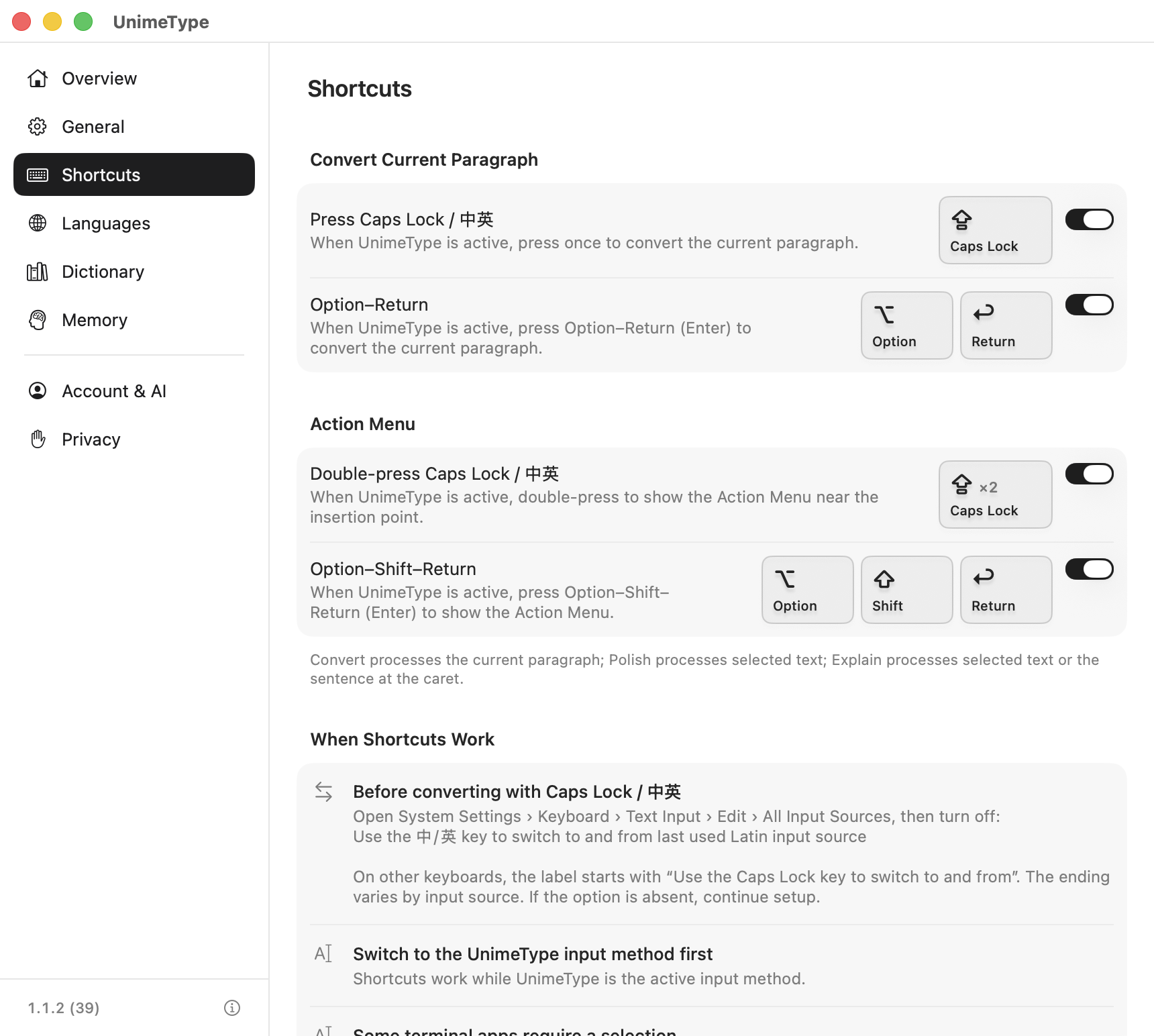
UnimeType Convert leaves your keyboard in pure English ASCII across every app—games, Figma, Excel, Overleaf, and chat—then resolves Vietnamese tones from full-sentence context only when you trigger Convert.
Common questions
Should I uninstall EVKey or UniKey if I use UnimeType?
Keep EVKey or native Telex if you already touch-type pure Vietnamese with Telex muscle memory offline. Use UnimeType when switching across games, Figma, Excel, and bilingual Vietnamese + English chats where constant Ctrl+Shift or Globe toggling gets in the way.