
How to Type Spanish Accents and ñ on an English Keyboard (Without Dead Keys)
On a physical US English keyboard, typing Spanish means choosing between multi-key chord shortcuts, US-International dead keys that swallow quotes in Excel and Overleaf, or typing plain ASCII and letting UnimeType restore tildes, ñ, and ¿? across the sentence.
All four ways to type Spanish on US QWERTY compared
macOS Option chords (Option+E then a vowel, Option+N then N, Option+Shift+?) work offline for occasional Spanish words, while Windows Alt numeric codes (Alt+0225, Alt+0241, Alt+0191) require a physical Numpad that 13- and 14-inch laptops lack.
Enabling the US-International layout lets you type ' + a → á and ~ + n → ñ directly, at the cost of turning ', ", ` `, and ~` into dead keys that interrupt Excel string formulas, Overleaf LaTeX citations, and English contractions.
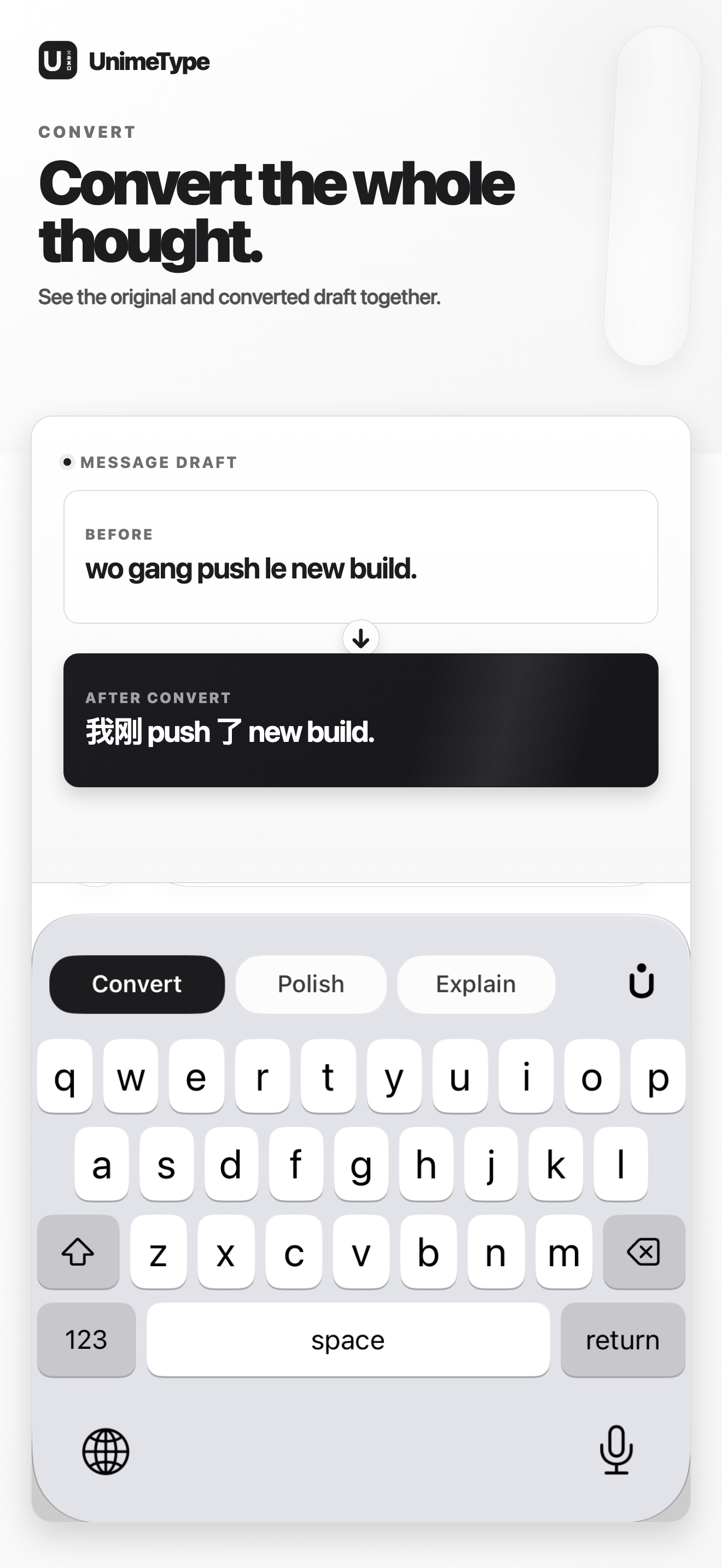
UnimeType Convert keeps your US punctuation completely standard across every app while you draft plain ASCII ("manana podemos vernos en el cafe?"), then restores accents, ñ, ¿?, and context-dependent pairs (esta/está, si/sí, tu/tú) in one deliberate step.
Common questions
Can I try it in the browser right now?
Yes—open /tools/spanish-accent-converter to test Spanish + English sentences with zero setup.