
How to Type German Umlauts (ä, ö, ü) and ß on a US English Keyboard
Switching between German QWERTZ and US QWERTY swaps Y and Z (breaking Cmd/Ctrl+Z undo muscle memory in Figma and Excel) and moves /, (, ), and \ onto awkward chords in Overleaf. The catch on US QWERTY is typing ä, ö, ü, and ß cleanly in WhatsApp, Mail, and Slack without toggling back to QWERTZ.
EurKEY, Mac Option+U, vs. UnimeType whole-sentence Convert
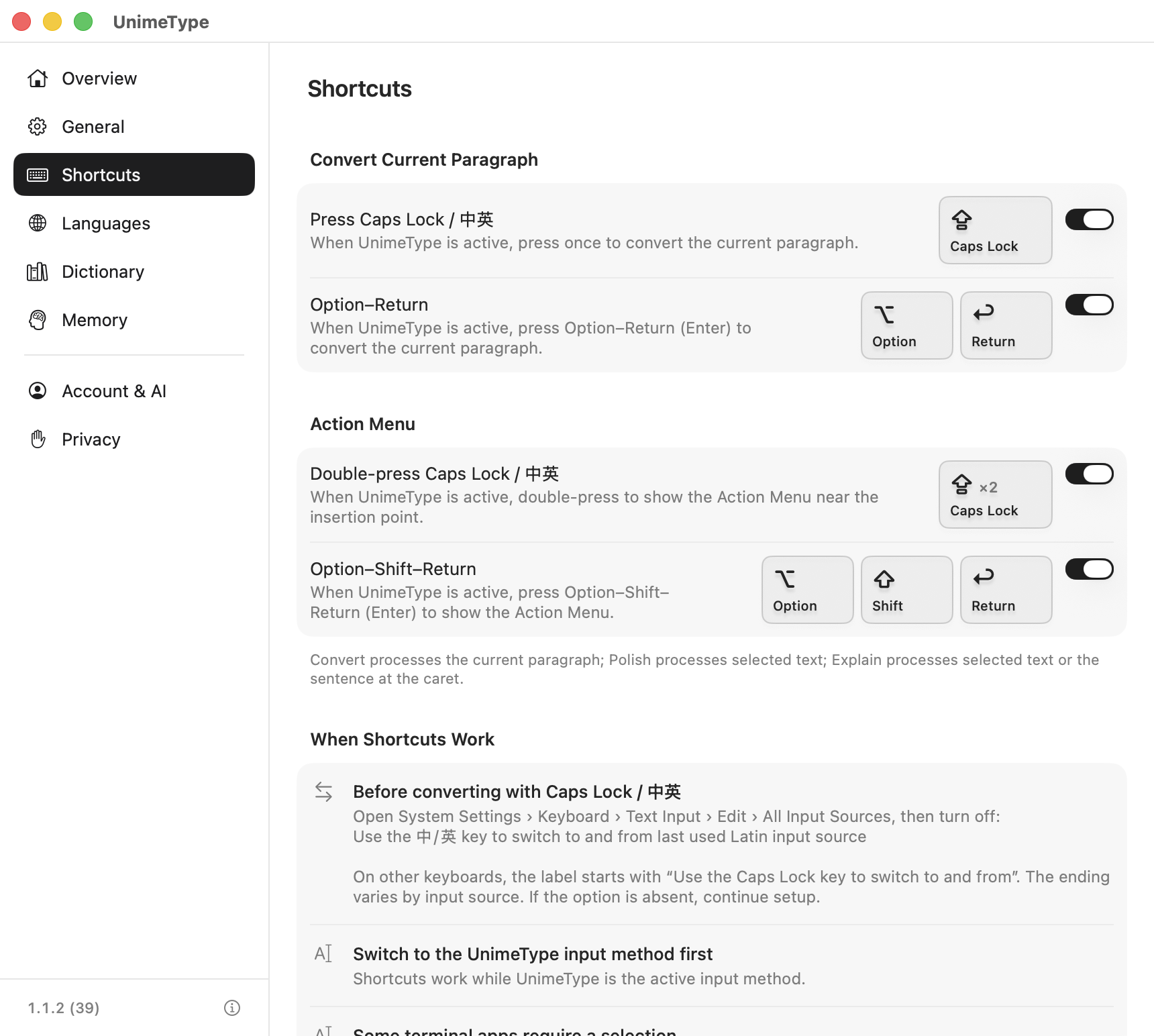
EurKEY (AltGr + a/o/u/s) and macOS Option+U are great offline solutions if you want manual per-letter chords. UnimeType takes a different approach for fast mixed German + English typing across apps: type fluidly in ASCII (koennen, groesse, uebersicht) with lowercase nouns if you are in a hurry, press Caps Lock / Alt+Enter once, and get clean ä/ö/ü/ß plus proper German noun capitalization while English words (WhatsApp, Figma, Excel, Overleaf) remain untouched.
Common questions
Can I test how it handles ss vs. ß and English words containing "ue"?
Yes—try custom sentences in the browser workbench at /tools/german-umlaut-converter.